Filter(is.character,birth_dat)Summarizing Categorical Data
We will use the births data set to summarize and visualize categorical variables using the base R approach
Categorical data is a type of data that is divided into categories or groups, such as hair color or education level. Categorical data can be further divided into nominal data, which is data that has no inherent order, such as hair color, and ordinal data, which is data that has a defined order, such as education level
Single categorical variable
One way to extract all the character columns is using both Filter and is.character functions. A similar argument can be said for any columns that are factors, but instead we’d use is.factor.
Below are the first five rows of all the character columns in birth_dat
       mature    premie     marital lowbirthweight gender     habit  whitemom
1 younger mom full term not married        not low   male nonsmoker not white
2 younger mom full term not married        not low   male nonsmoker not white
3 younger mom full term not married        not low female nonsmoker     white
4 younger mom full term not married        not low   male nonsmoker     white
5 younger mom full term not married        not low female nonsmoker not white
The names of the character columns can be obtained using colnames() function in combination with the above statement
colnames(Filter(is.character,birth_dat) )[1] "mature" "premie" "marital" "lowbirthweight"
[5] "gender" "habit" "whitemom" We will only consider the habit variable from our dataset to demonstrate methods to summarize and visualize a character variable.
First, we’ll save the values from habit column into a separate variable and compute several categorical summaries
smoking_habit <- birth_dat$habitThe table() function in R can be used to quickly create frequency tables.
table(smoking_habit)smoking_habit
nonsmoker smoker
873 126 From the above frequency table we observe there were 126 mothers who smoked during their pregnancy and 873 mothers who were non-smokers. We can easily convert the frequency table into a frequency table of proportions using prop.table(). The input for prop.table() is a table created using table().
prop.table(table(smoking_habit))smoking_habit
nonsmoker smoker
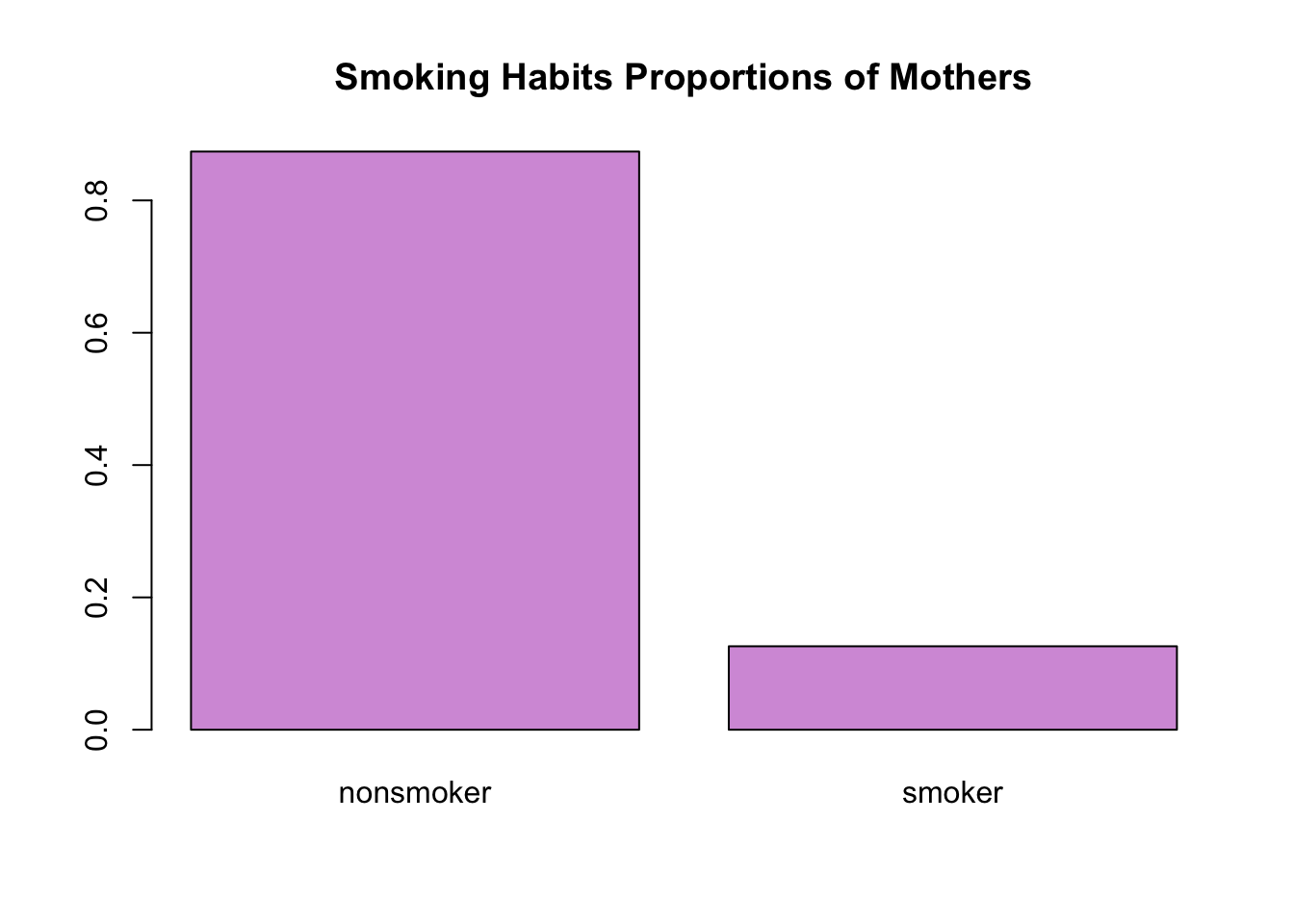
0.8738739 0.1261261 Now, we observe roughly 12.61% of moms smoked during pregnancy, 87.39% were non-smokers. Note that all of the proportions should add up to 1.
sum(prop.table(table(smoking_habit)))[1] 1To plot a single categorical variable we can use barplot(). The input for barplot() when dealing with categorical data is a table, like the ones we created above
barplot(table(smoking_habit))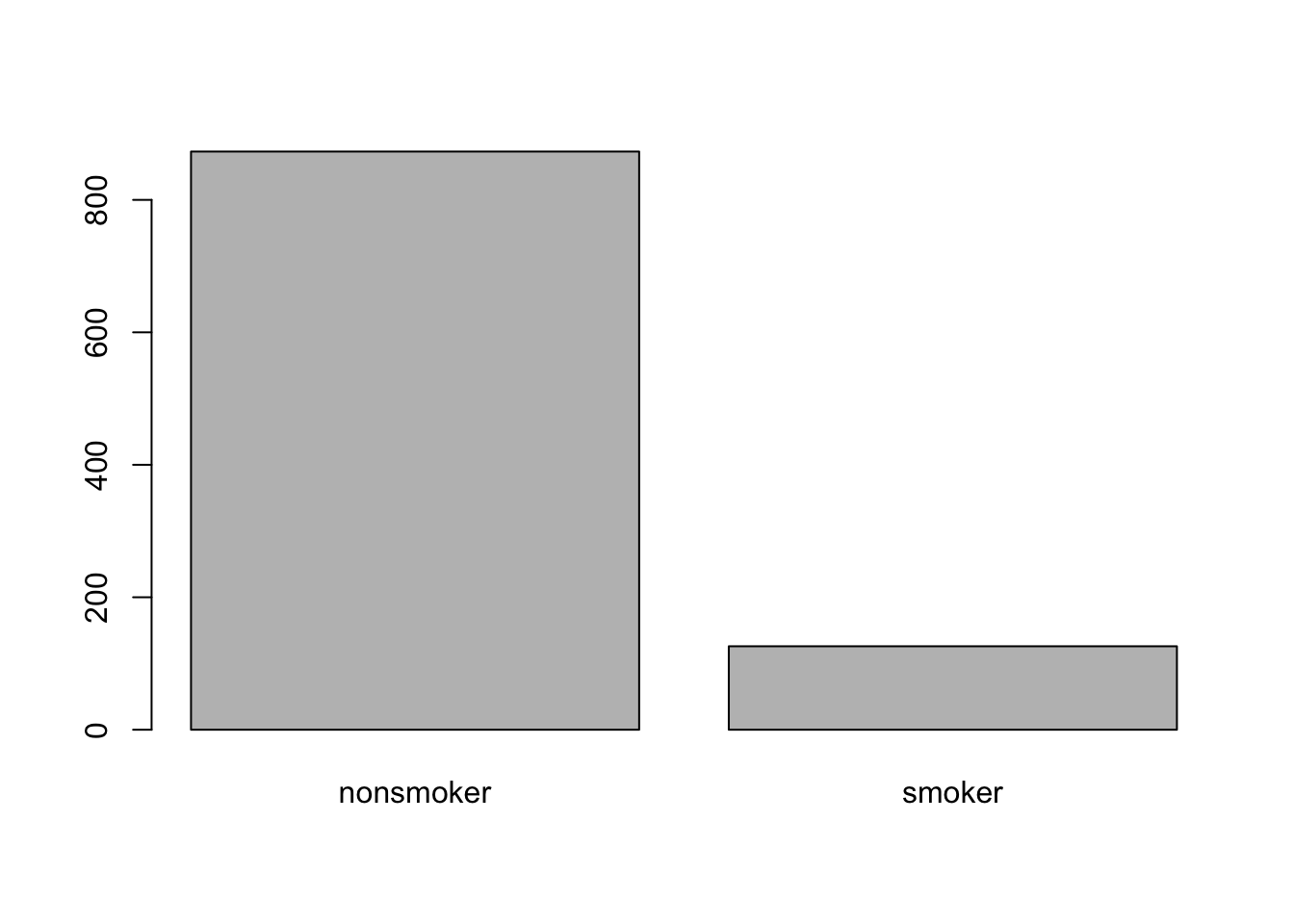
Instead of the frequency counts, we can plot frequency of proportions by inputting a frequency tables of proportions.
barplot(prop.table(table(smoking_habit)),
        main = 'Smoking Habits Proportions of Mothers',
        col = '#d59cdb')